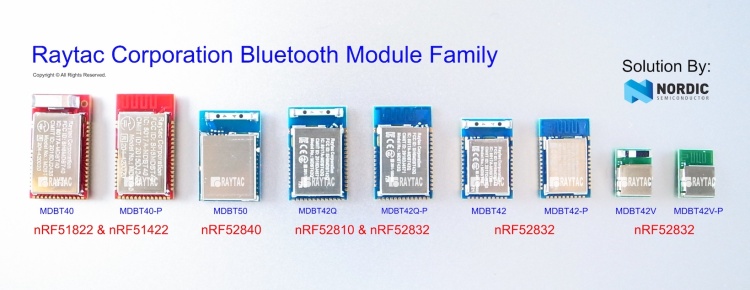
To enhance the accessibility to Raytac BLE module sample for evaluation and development, Raytac has put effort to corporate with several channels.
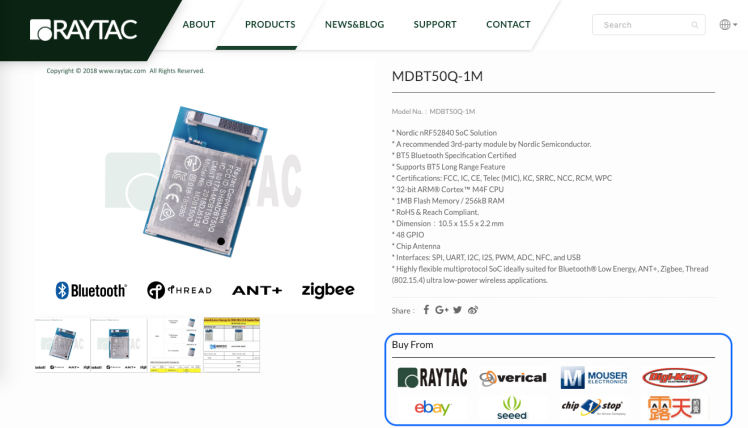
Differ channels may carry various items, we encourage developers firstly visiting Raytac official site. The easy link options listed in each product may help customers to select the friendly channel to approach.
With over 1,000 exhibitors gathering in Nuremberg, Germany on 26 Feb.~29 Feb., 2019 , Embedded World has become one of the biggest trade fair among the IoT Technologies.
After setup been done, here comes the next question: How to program the firmware in to the module. We are using some simple instruction in below for reader’s quick reference.
Hardware
You will need a Nordic nRF5X DK or a Segger J-link as programmer to load the firmware. To use Nordic nRF5X DK to debug the SoC as well, you will need to order corresponding nRF5X DK to match the SoC number. For example, order nRF52840 DK to debug nRF52840 SoC or order nRF52 DK to debug nRF52832/52810 SoC. But if you are only using it as programmer, any version of nRF5X DK will work as we only use the J-link on this board.
Software
Please download Nordic nRFGo Studio for programming. Remember to install nRF5X Command Line Tools if the board was not detected by nRFGo Studio. Once they are all connected, you can then start programming. Please make sure to “erase all” every time before programming.
For more tutorials and demo of sample code, please visit Nordic’s DevZone and Infocenter where have ample resources to utilize.
Programing
SoftDevice + Application
Erase all first. Then program Softdevice and follow by Application code.
Or you may combine code as stated in above. Erase all and follow by programing the combined code.
SoftDevice + Bootloader+ Application
Either Erase all first. Program the Softdevice and follow by Bootloader. and then use DFU to update the application code.
Or suggested having a combined code (SofDevice+Application+Bootloader) for program. Simply erase all and follow by programming the combined code.
*Remark
Bootloader is needed for DFU (OTA) Function.
SDK 11 (included) and before – a legacy DFU method, which is simple but less security
SDK 12 (Included) and after – a latest DFU method, which has higher security.
To easy customer’s IoT device mass production, Raytac provide code pre-program service into module before shipment. There are requirements listed in below for customers who need the service!
A single, combined hex file is required. Please combine softdevice and application or/and bootloader (depending on your firmware design) together before programming. This will shorten programming time and help to manage your code easier. If you are not familiar with merging firmware, please download the instruction from the link: https://mega.nz/#!Qg5UBJTQ!POWmmNNdapGqefHpB10YjpcuExLWwXnxDfBzcVrsTOw
Need a simple method to check programming status. The easiest way is to check the device name if device will broadcast device name after programming is done; or use I/O to trigger LED and its behavior. This does not aim to test any or full function of your device, only a simple method for the operator to know programming status.
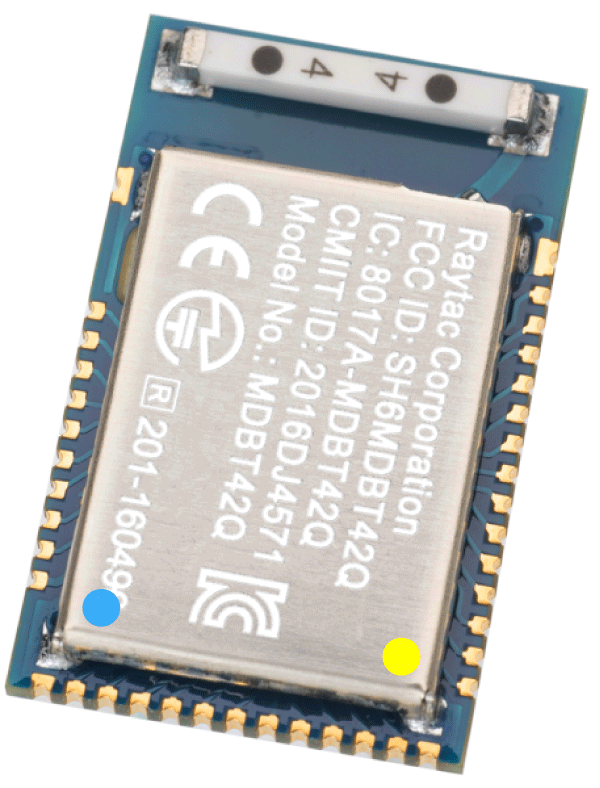
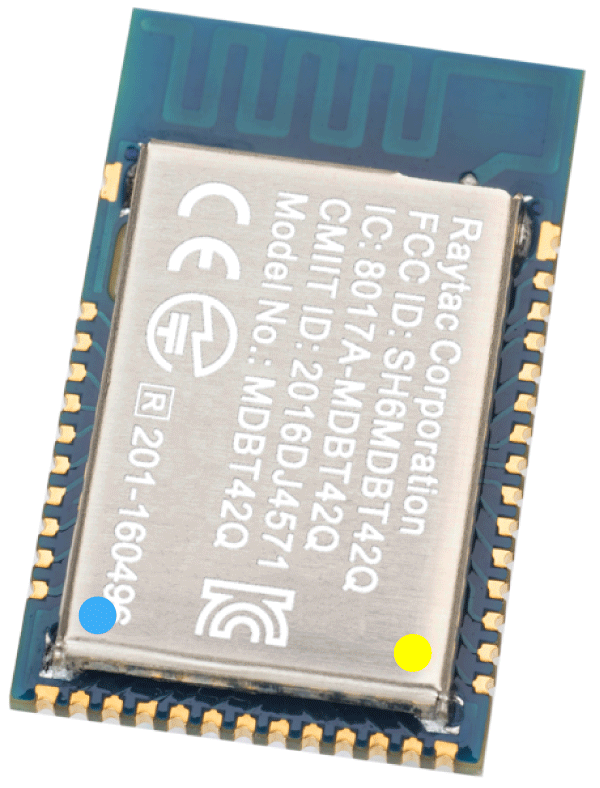
nRF52840 MDBT50Q Module
Raytac Corporation 勁達國際電子股份有限公司
A company of Abietec
Bluetooth & WiFi module maker based on Nordic nRF54, nRF53, nRF52, nRF7002 solution
BT5.4 &BT5.3 & BT5.2 & BT5.1 Qualified, FCC/IC/CE/Telec/KC/RCM/SRRC/NCC Pre-Certified. Bluetooth Solution: nRF54, nRF5340, nRF52840, nRF52833, nRF52832, nRF52820, nRF52811, nRF52810, nRF52805, nRF51822 WiFi Solution: nRF7002 www.raytac.com email:service@raytac.com
Tel: +886.2.3234.0208
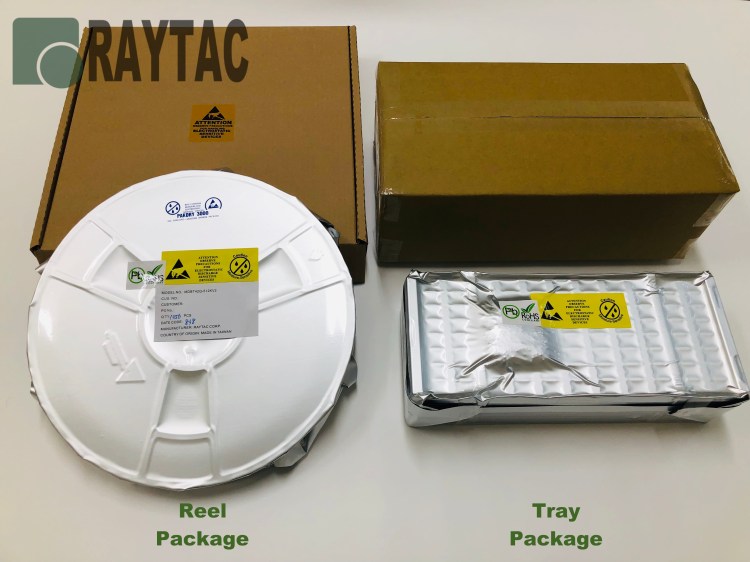
Raytac Corporation, a recommended 3rd-party module maker by Nordic Semiconductor, announced that MDBT42Q series module now provide a Reel Package option for customers’ selection.
When you start developing your firmware for your Nordic nRF52832 solution-based Raytac BLE module, you will (like on most other projects) bump into some difficulties.
The other day, we had yet another case where a simple thing caused major difficulties for even some of the brightest people – a customer couldn’t get their GPIO direction bit to work.
Although not too difficult to solve, it’s a common error that most customers end up having on our modules and that is because Pin 0.09 & 0.10 are set to NFC per Nordic’s default settings. In order to be able to use these pins as normal GPIOs, you will have to change those settings.
The two pins I am talking about are the ones linked to the NFC-part to the far left in the circuit example below:
So, to convert these two pins to normal GPIOs, here’s what you need to do:
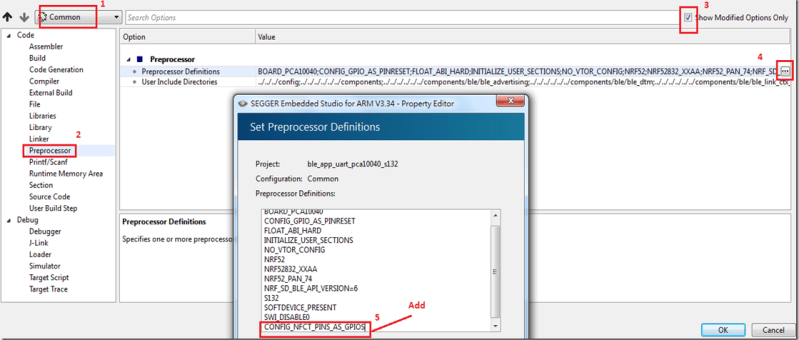
In SES, you’ll need to add CONFIG_NFCT_PINS_AS_GPIOS.
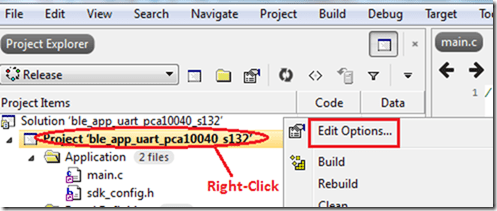
Right-click on the project and click “Edit Options"Select “Common", click on “Preprocessor" under “Code" and then click “CONFIG_NFCT_PINS_AS_GPIOS"
Check out the link below for a reference example on Nordic’s DevZone.
AT command module, an easy solution provides developers a quick breakthrough to Bluetooth connection. Without firmware effort needed, simply have commands setting on MCU and the start to enjoy the implement of bridging connectivity between devices through Bluetooth.
Raytac AT Command Family
After Raytac’s Peripheral (Salve) role AT command module released, the demand of Central role has been highlighted by developers.
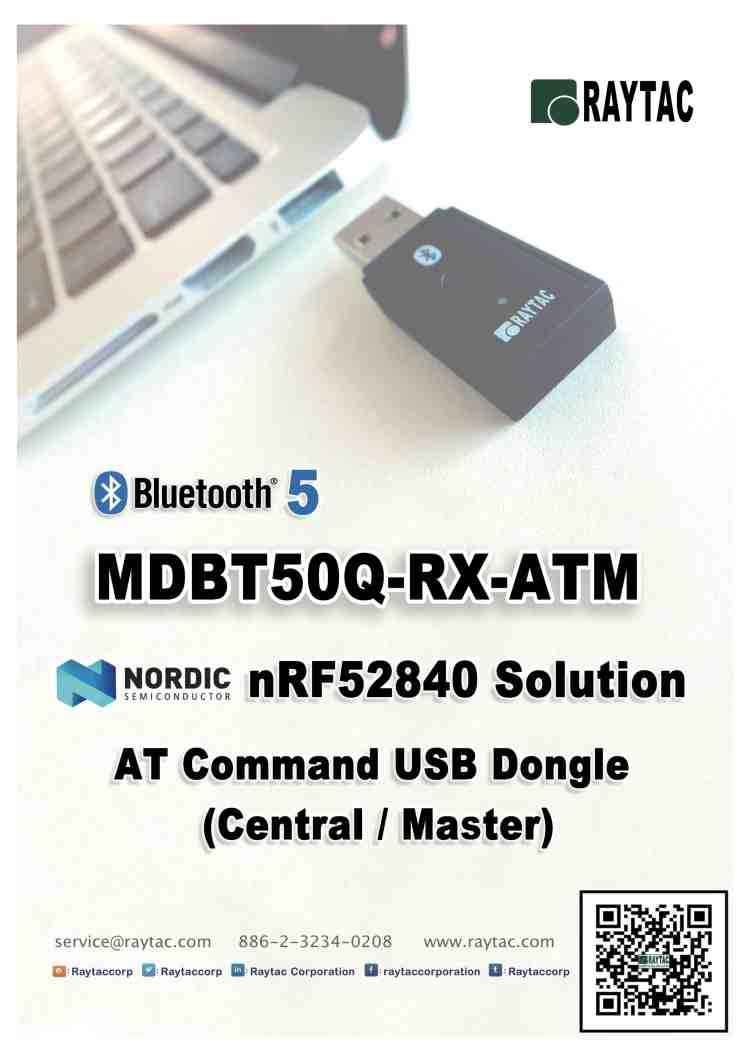
To have a completed solution, Raytac today announced Central role, as known as Master, AT command module released.
Differ from Peripheral role AT command module built by nRF52810 solution, Central role AT command module deployed Nordic nRF52832 which employees 64K RAM and 512K Flash Memory.
Central Role AT Command Module: MDBT42Q-ATM
Central Role AT Command Module: MDBT42Q-PATM
The AT command modules, same as Raytac’s all other lines, are Bluetooth qualified (BT5/BT4.2) and FCC/IC/Telec/KC/SRRC/NCC pre-certified and CE compliant. A completed hardware and preloaded AT Command firmware solution not only simplify the designs and reduce BOM cost, but also waive the cost of regulatory burden and speed up time to market efficiency.
Raytac Corporation
A BT4.1 & BT4.2 & BT5 module maker based on Nordic nRF51 & nRF52 solution
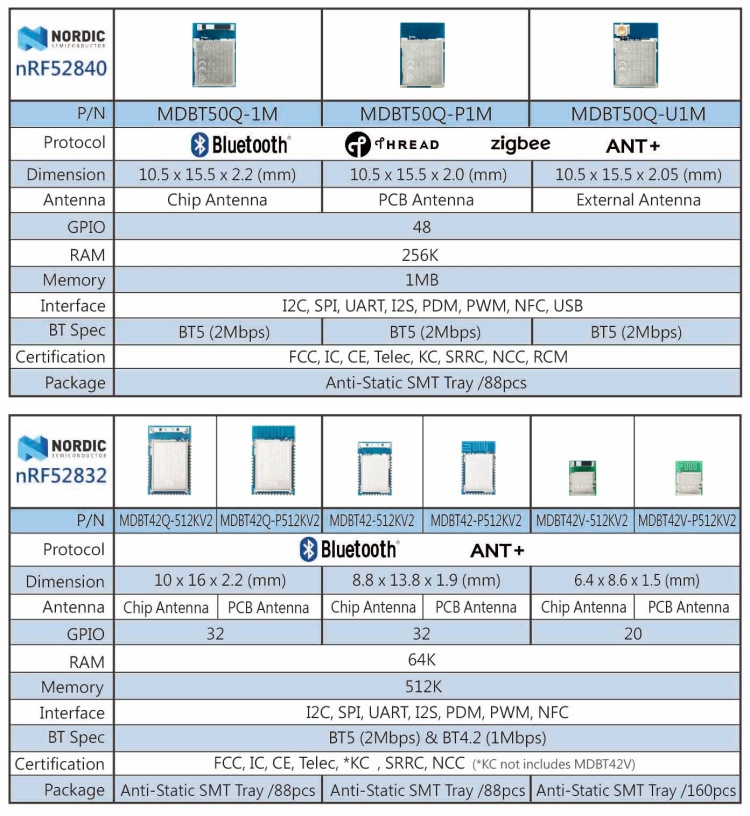
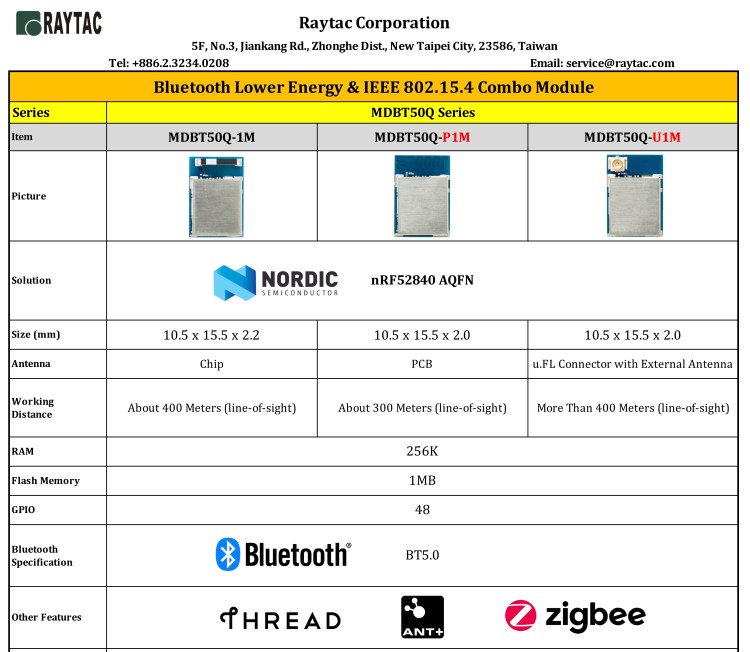
After Nordic released nRF52840, the confusion raised what the difference between nRF52832. Raytac provided an easy comparison chart based on module solution hopes to provide a quick understanding in between.